
Game development + level design
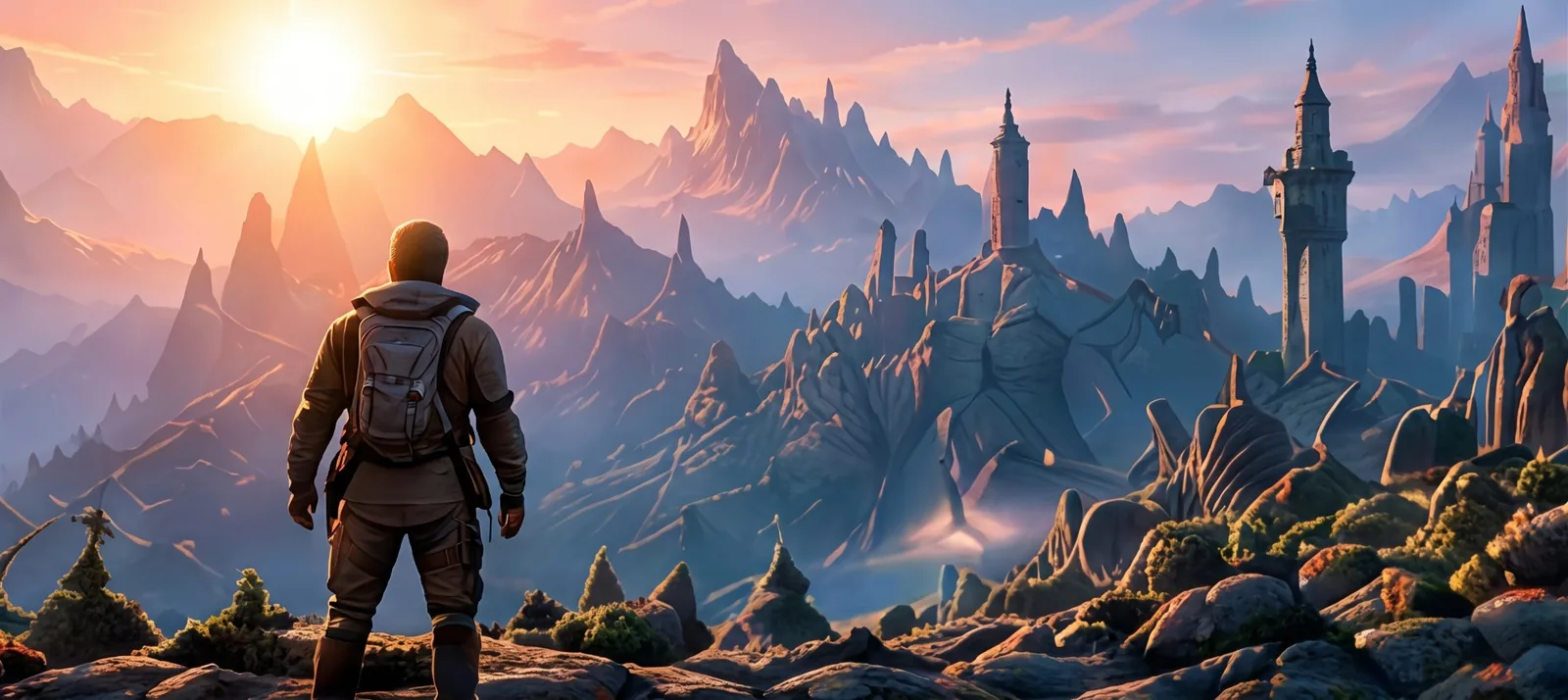
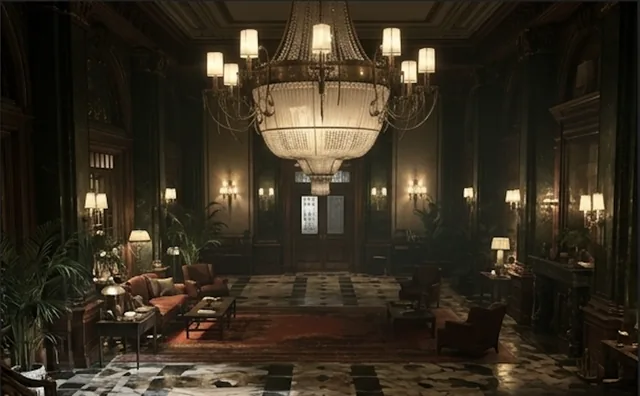
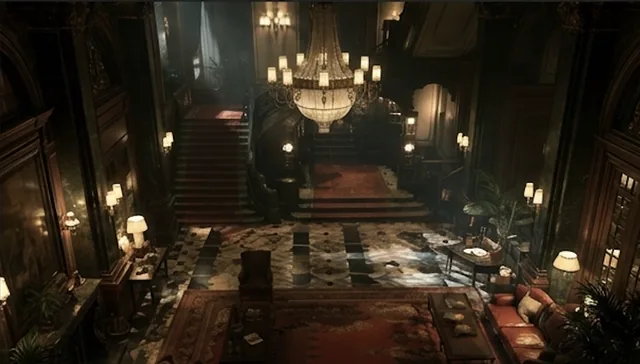
Turn concept art and reference imagery into explorable 3D environments you can prototype, test and keep developing into production.
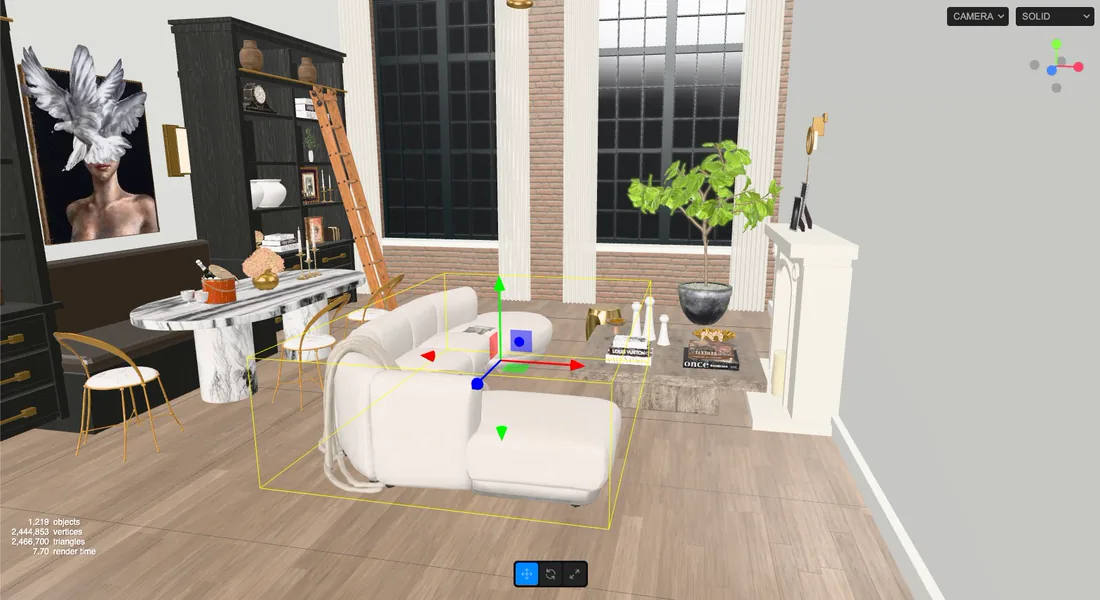
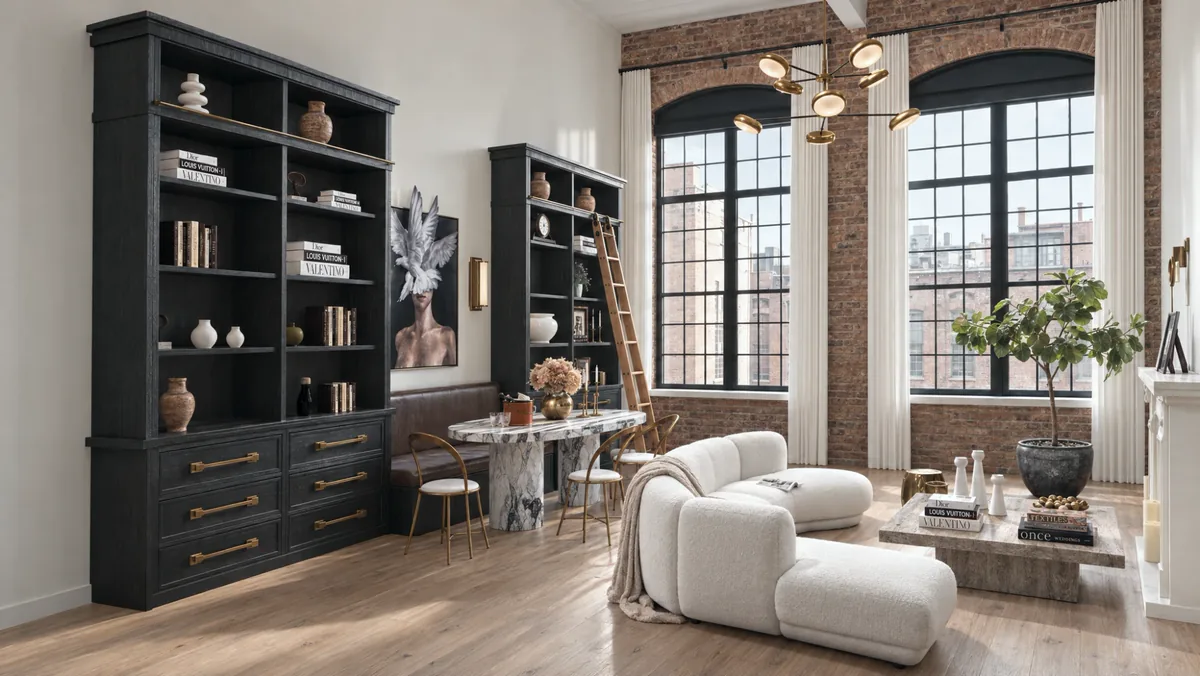
Turn an image, multiple viewpoints or a floor plan into an editable 3D world. Change it. Direct it. Explore it. Create unlimited images and video, or export the 3D world into the tools you already use.
1Start with what you have
2Edit it in 3D
3Get images, video and 3D
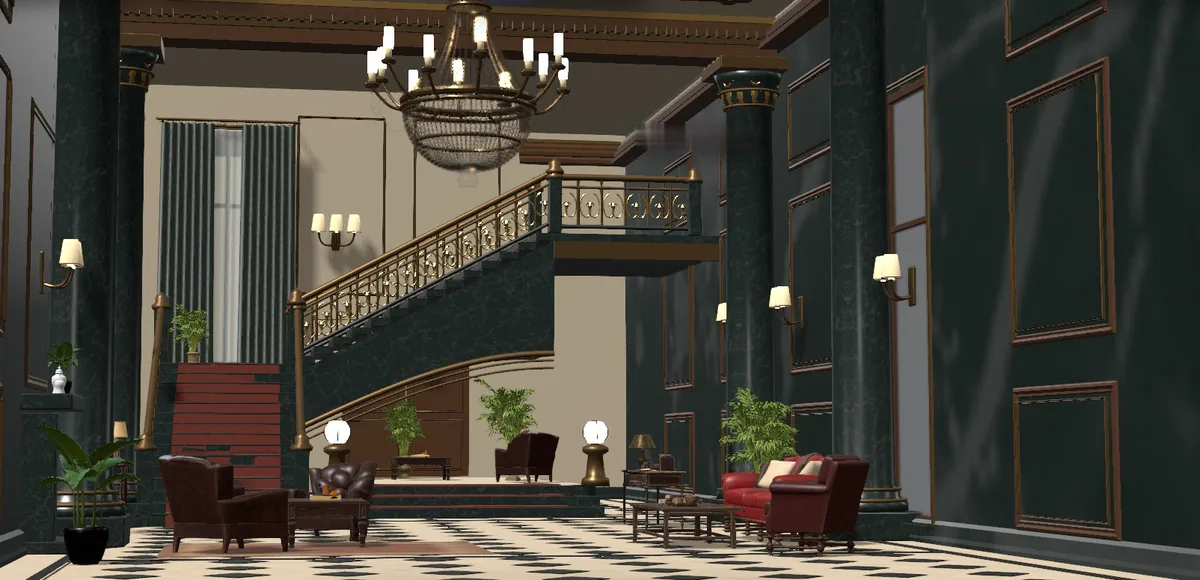
Edit your world in 3D.
From interior spaces to campaign worlds, game environments and simulations, SceneSim gives you the spatial control and freedom to turn your ideas into editable 3D worlds.
Turn concept art and reference imagery into explorable 3D environments you can prototype, test and keep developing into production.
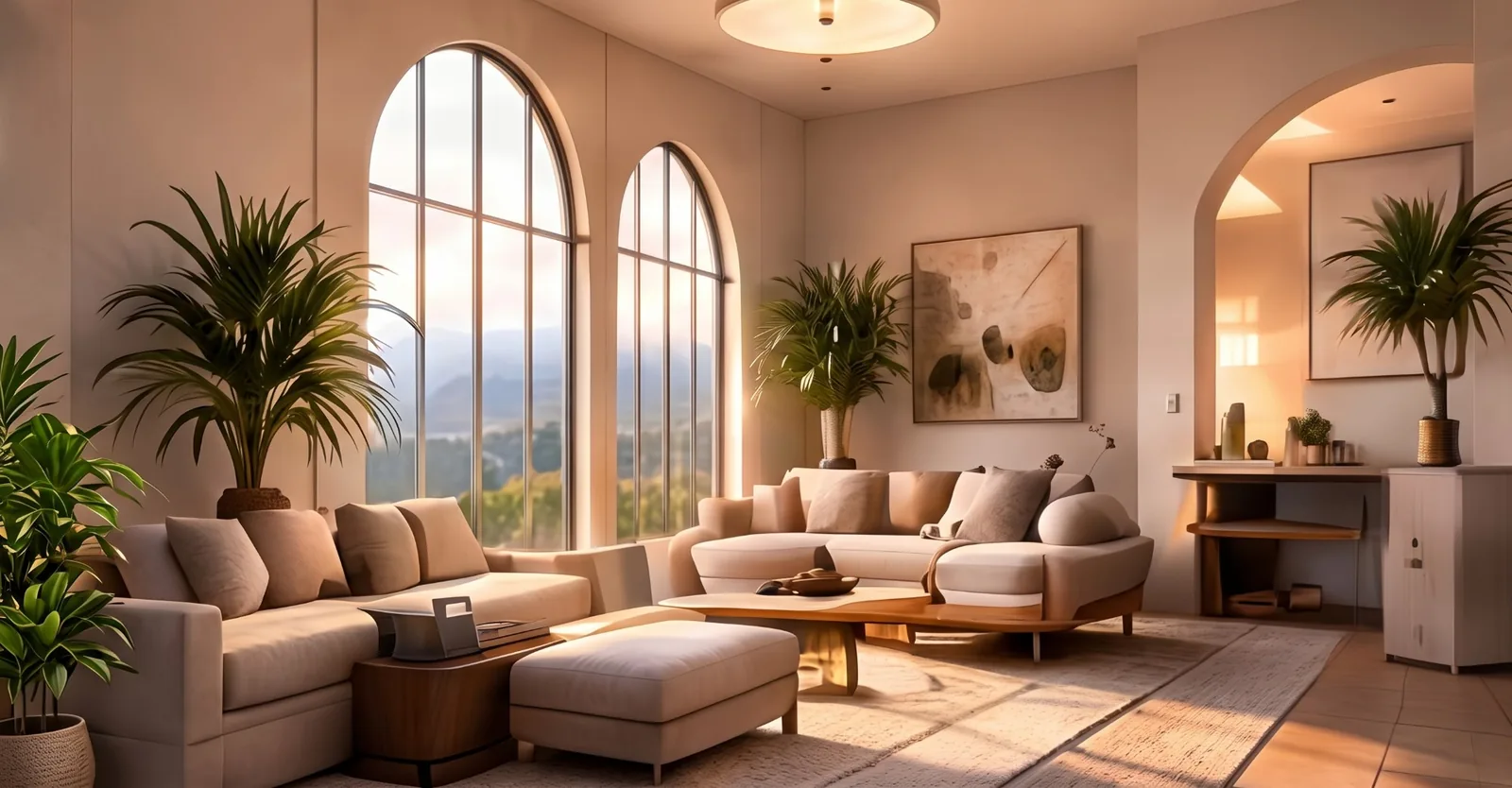
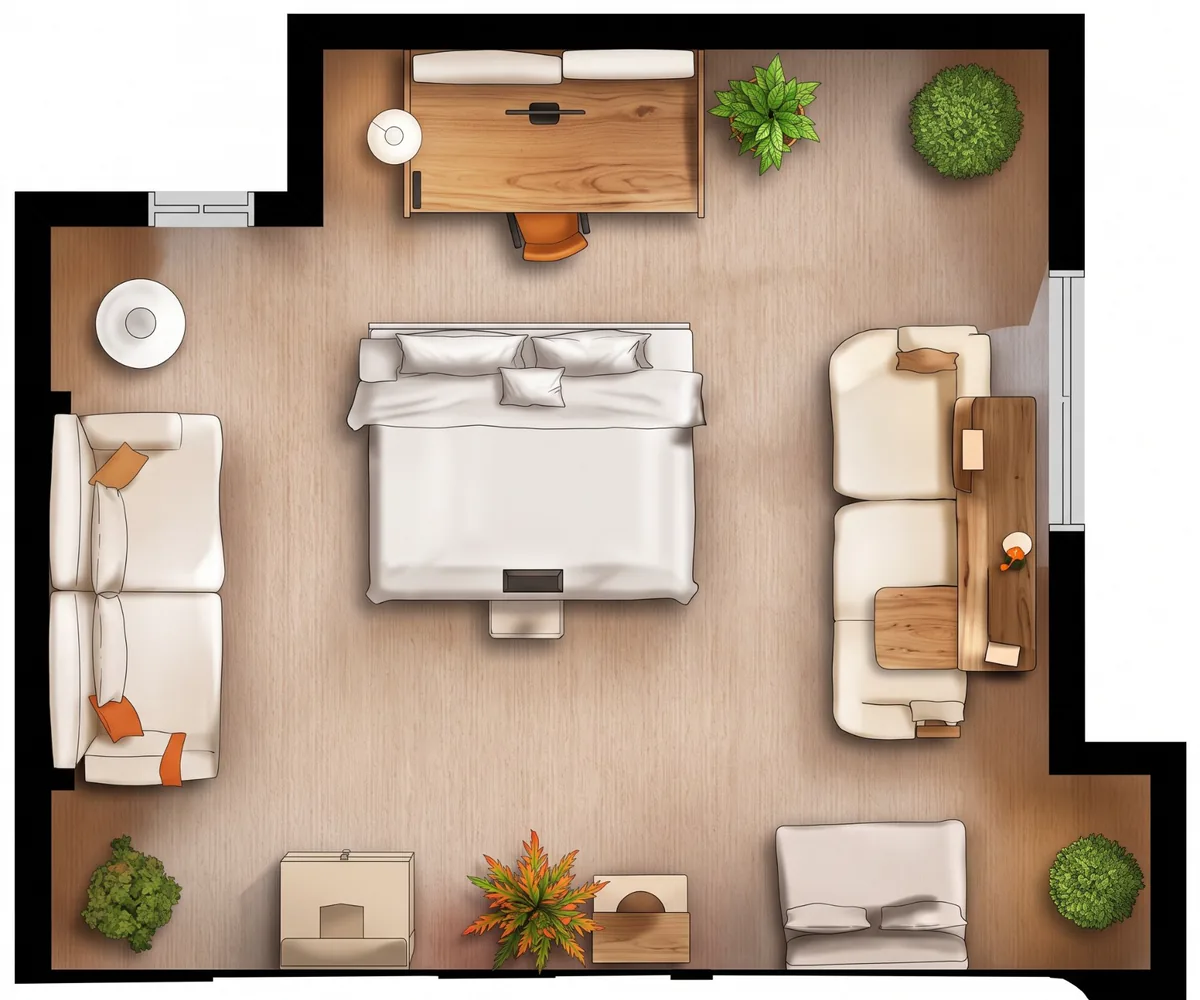
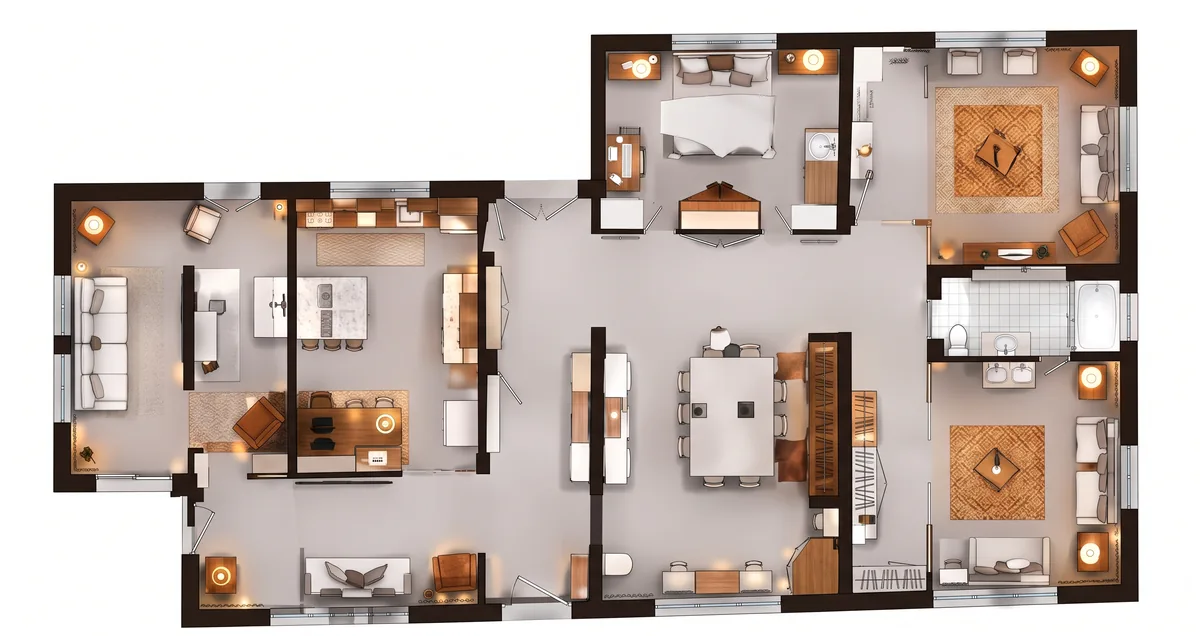
Create rooms from a single image, images from multiple viewpoints or a floor plan. Explore layouts, furniture, materials and design alternatives in 3D.

Build, direct and iterate campaign worlds for product launches, ads and branded content. Create and produce unlimited images and video.
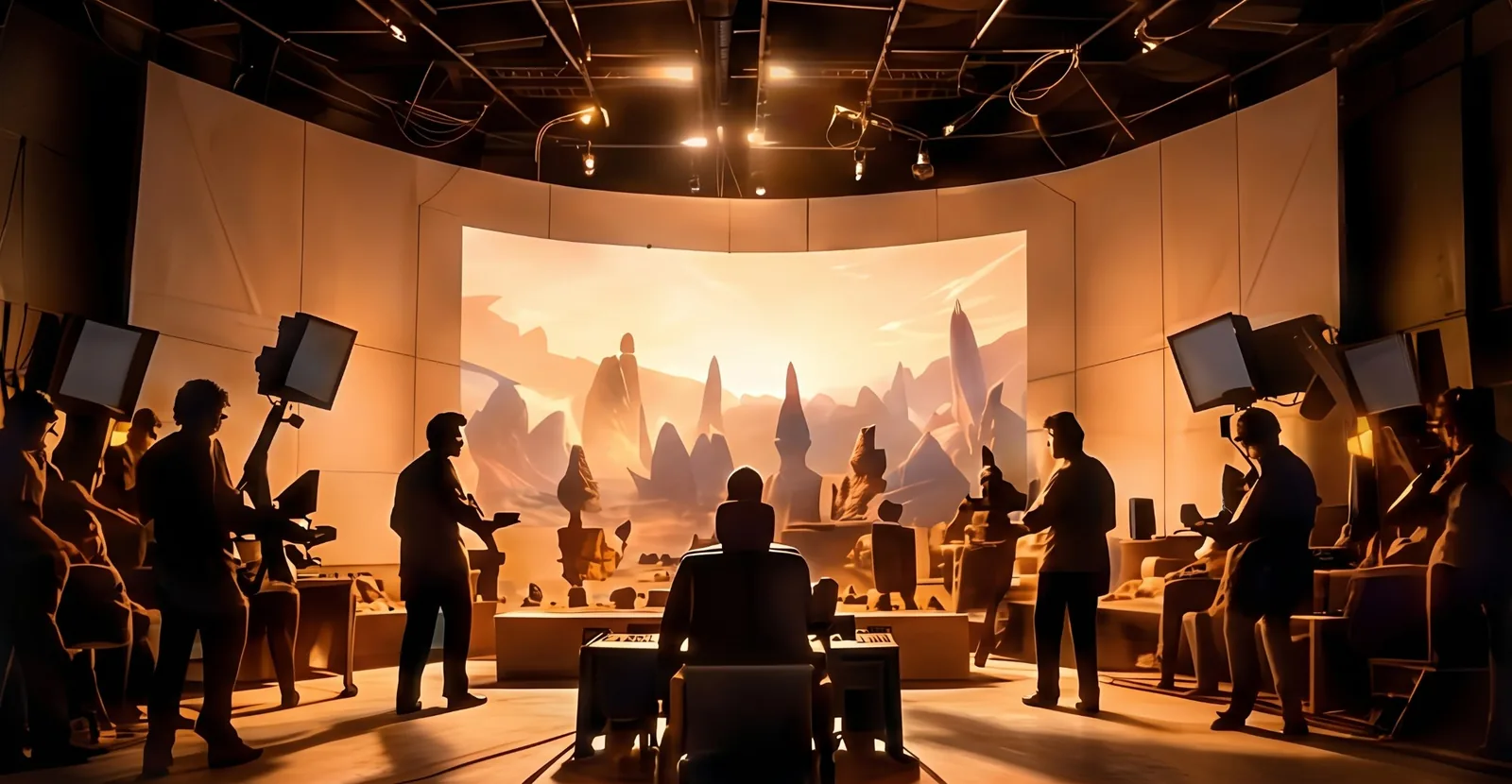
Transform references, storyboards and set concepts into editable environments for blocking, planning and visualization.
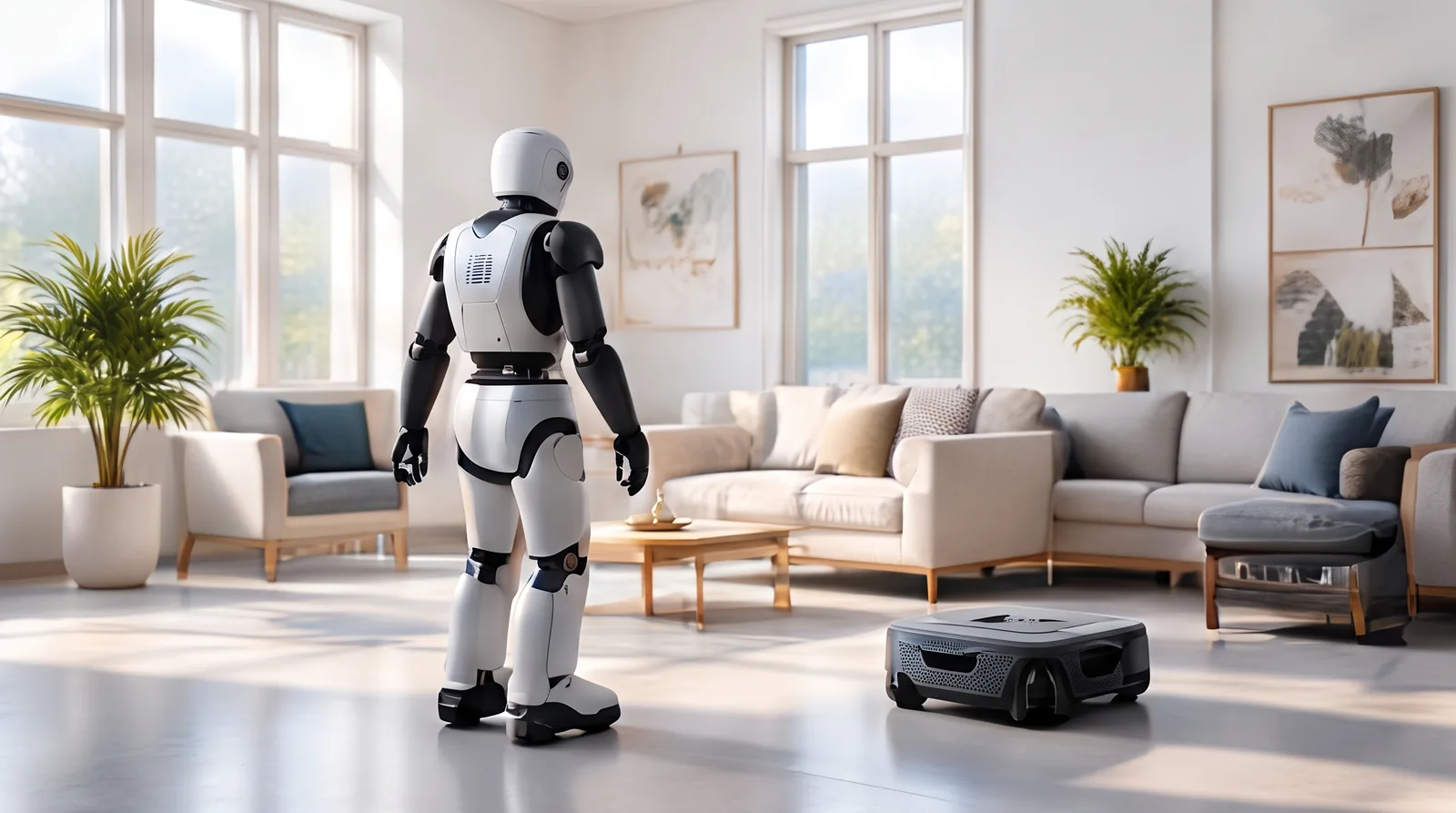
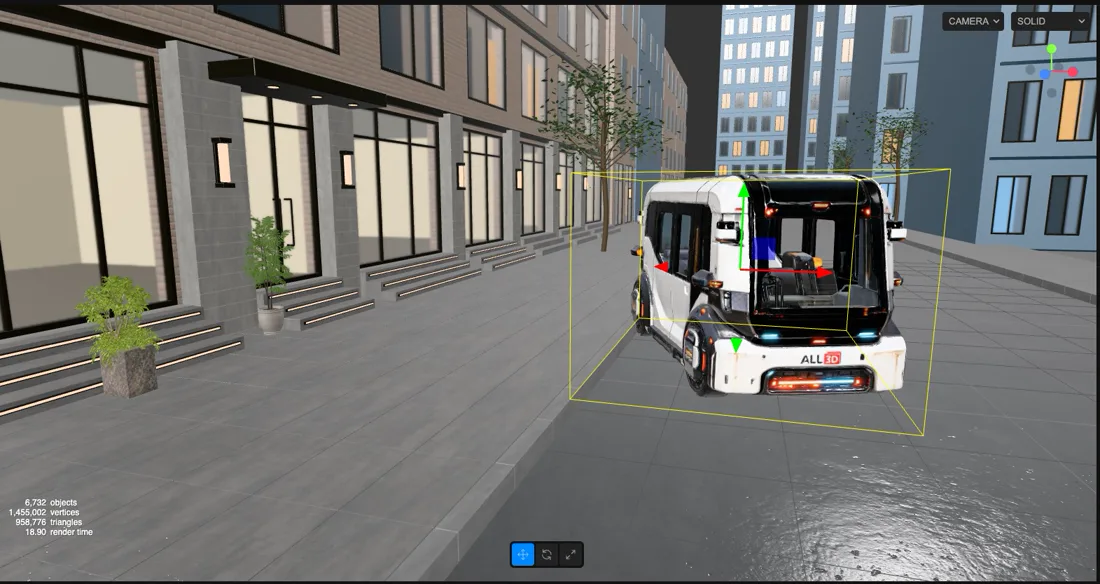
Build realistic spaces to train, test and simulate robots and autonomous systems before they reach the real world.
Reconstruct. Edit. Create. Use your 3D world for images, video and 3D assets.
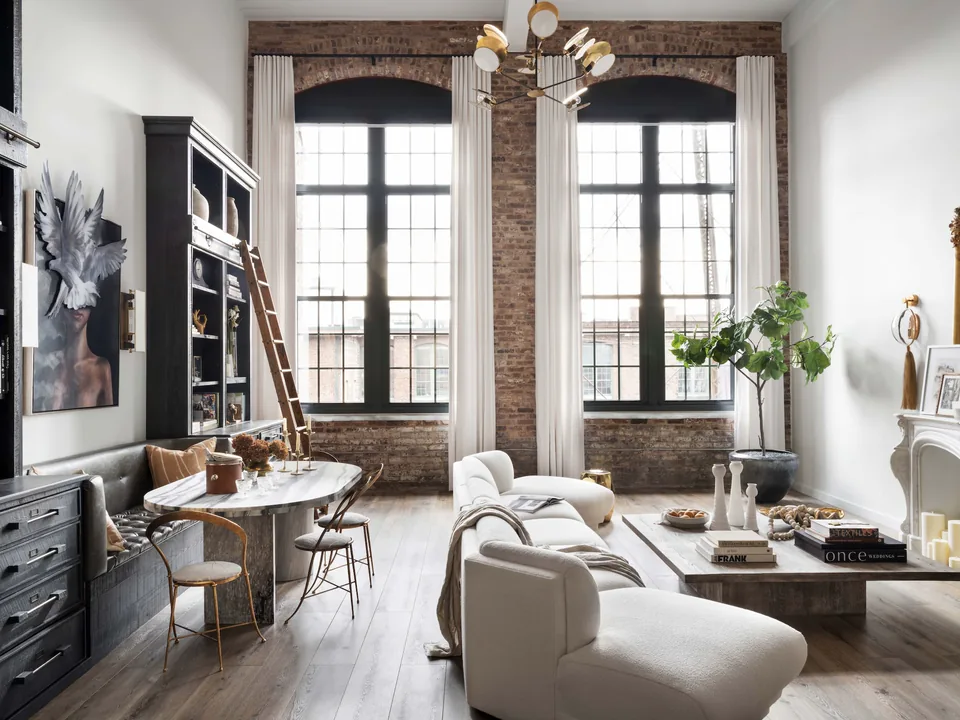
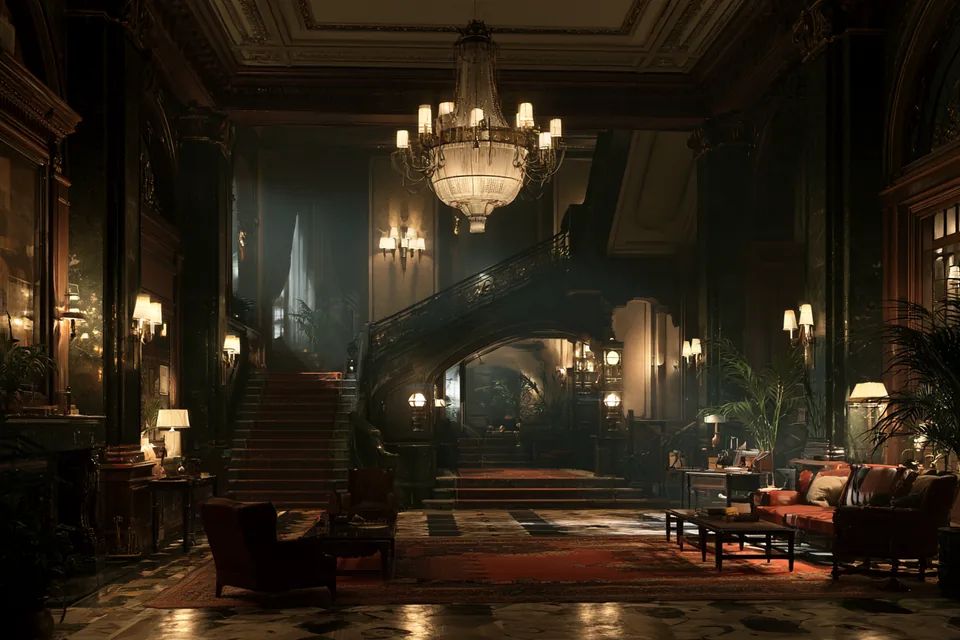
Upload an image, multiple photos or a floor plan.
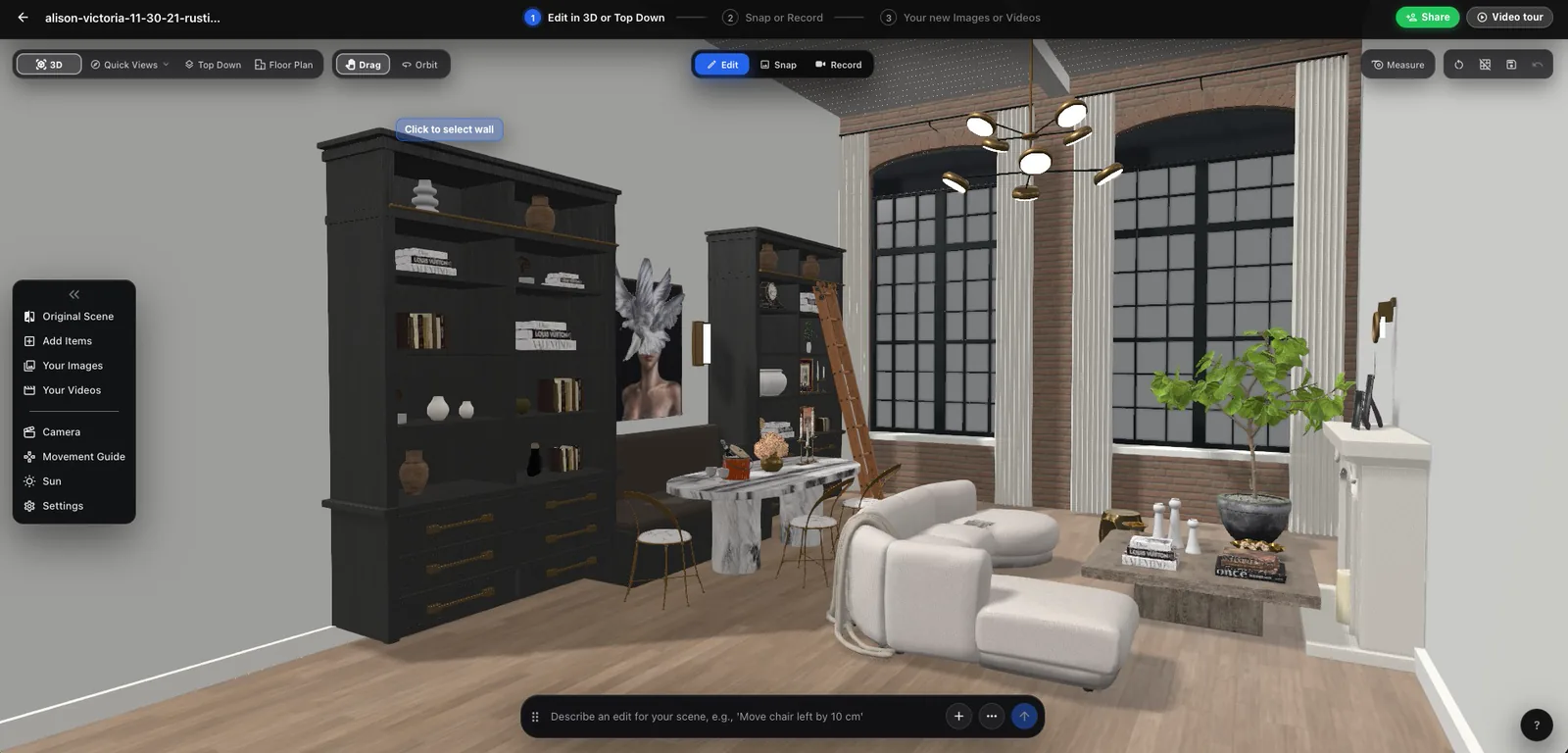
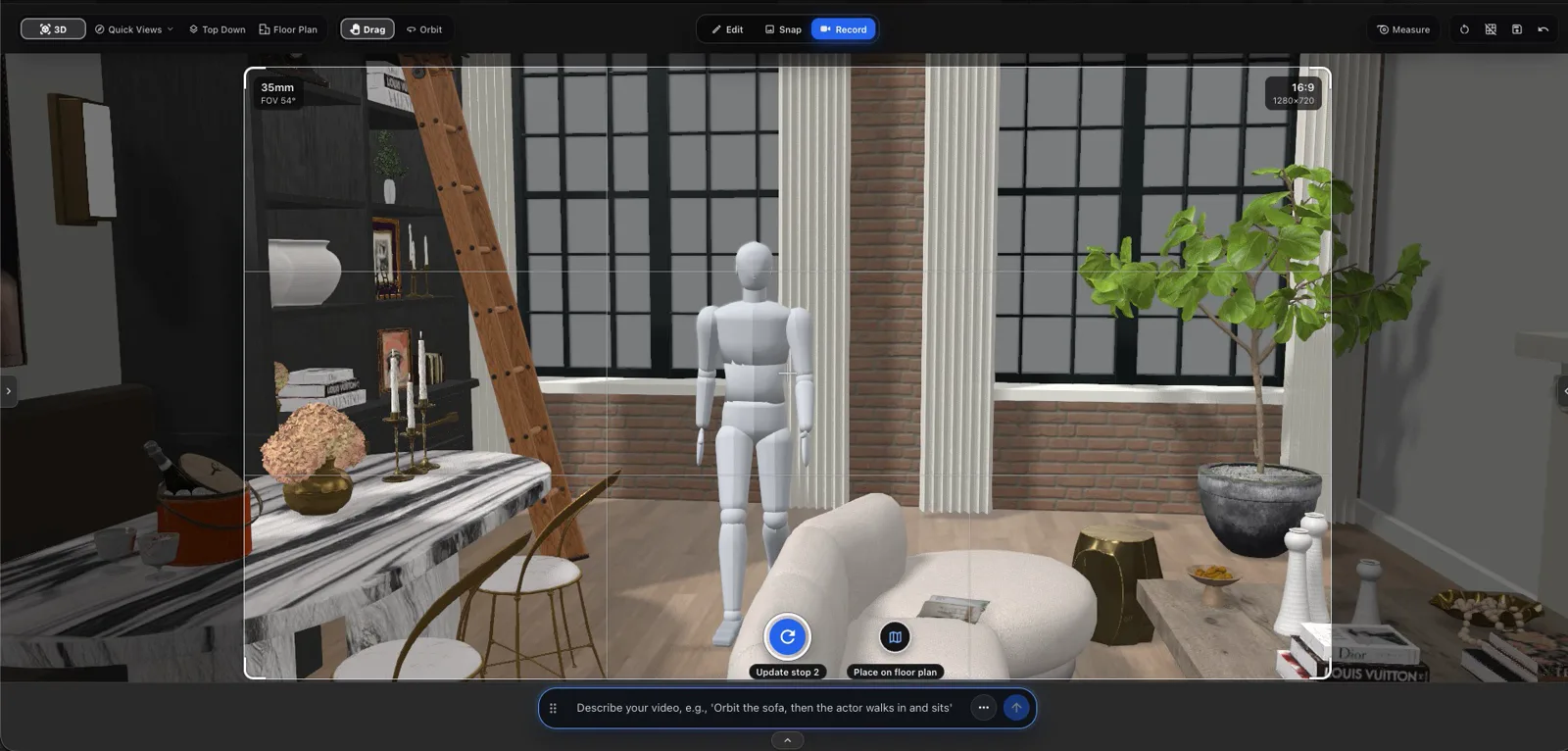
SceneSim creates an editable 3D world.
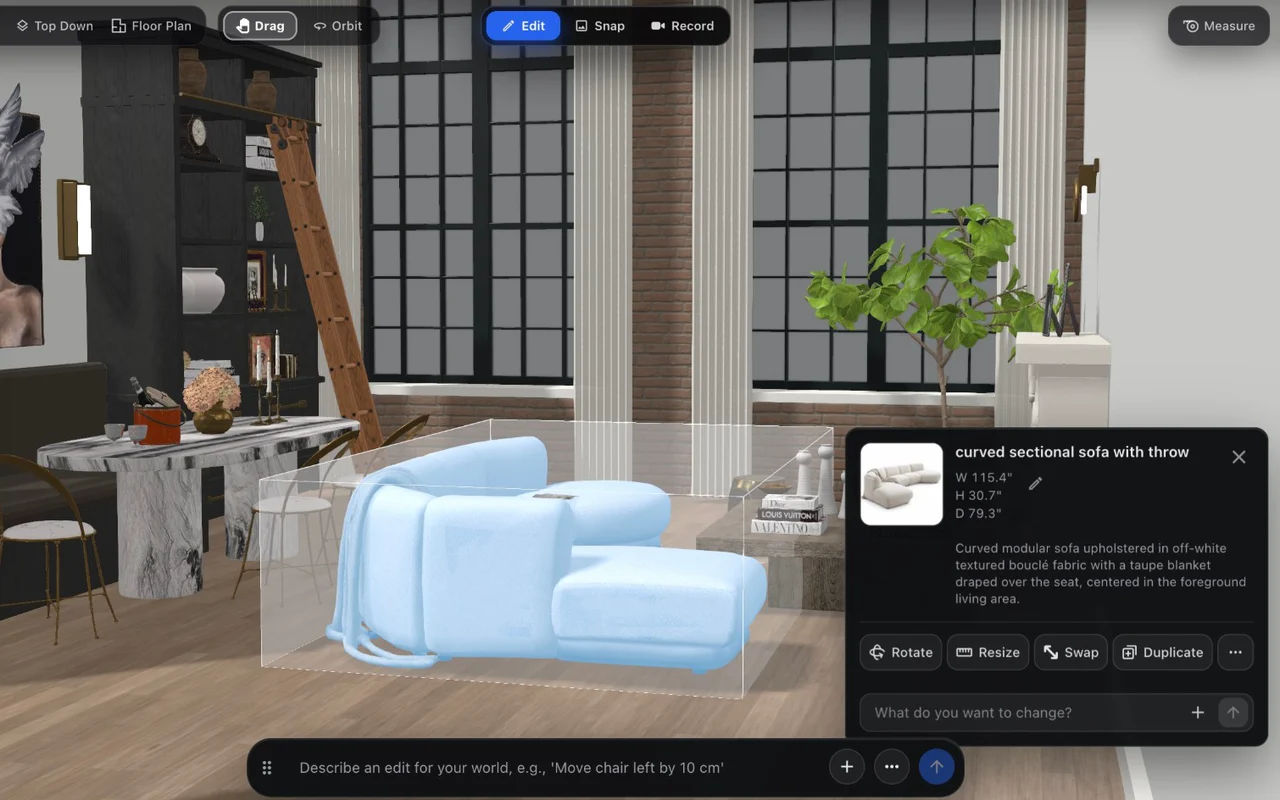
Modify layout, materials, objects, lighting and camera.
Generate images, video and export 3D assets.
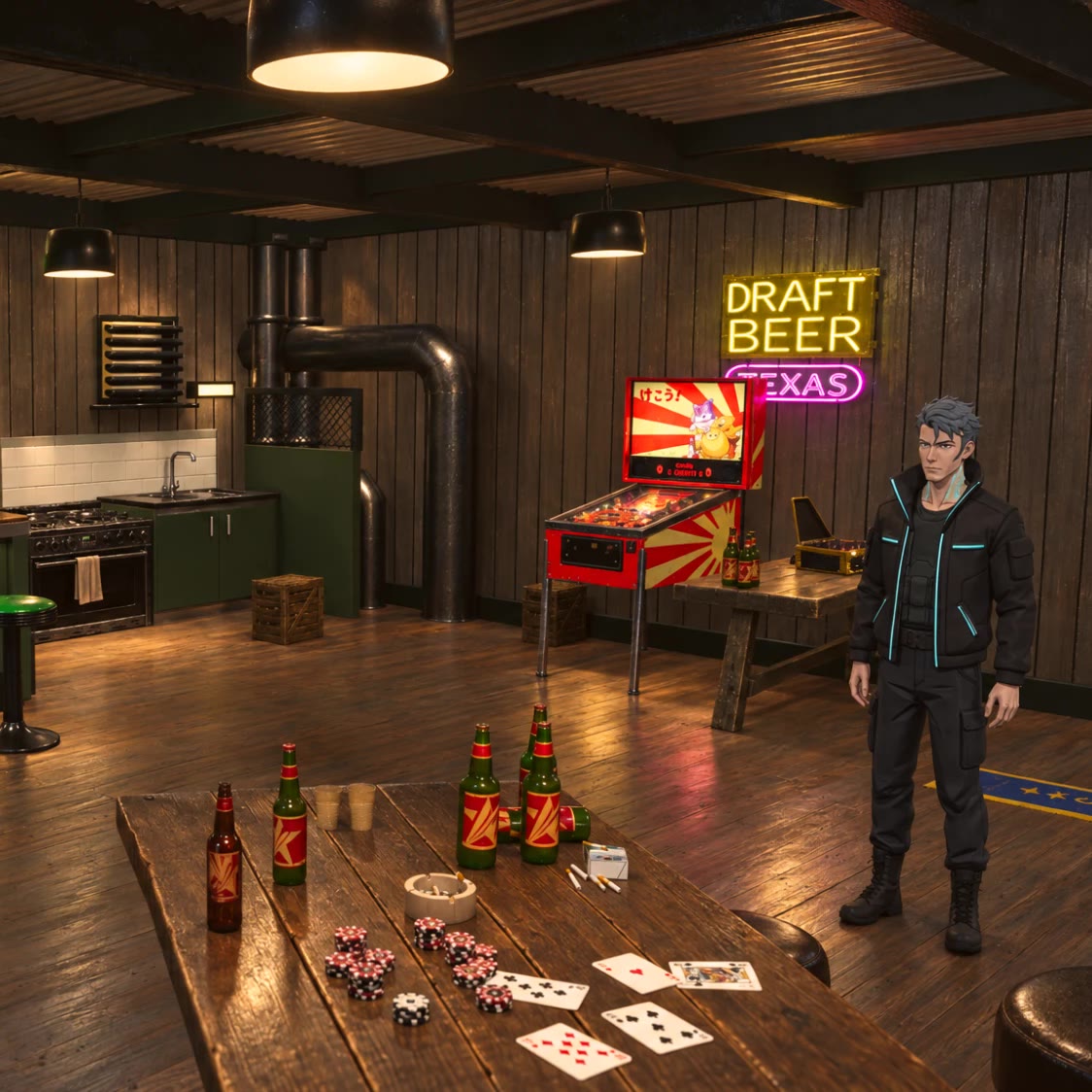
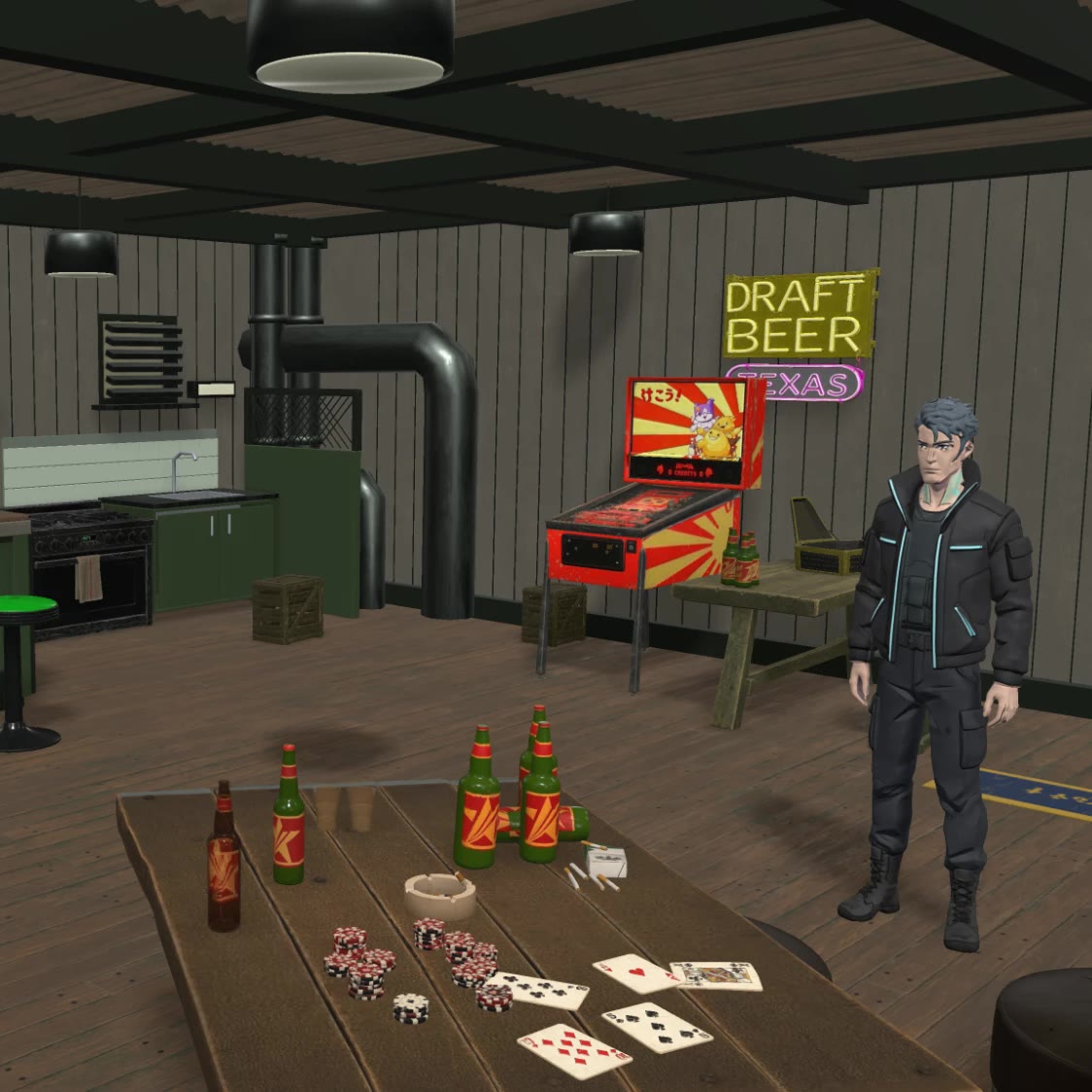
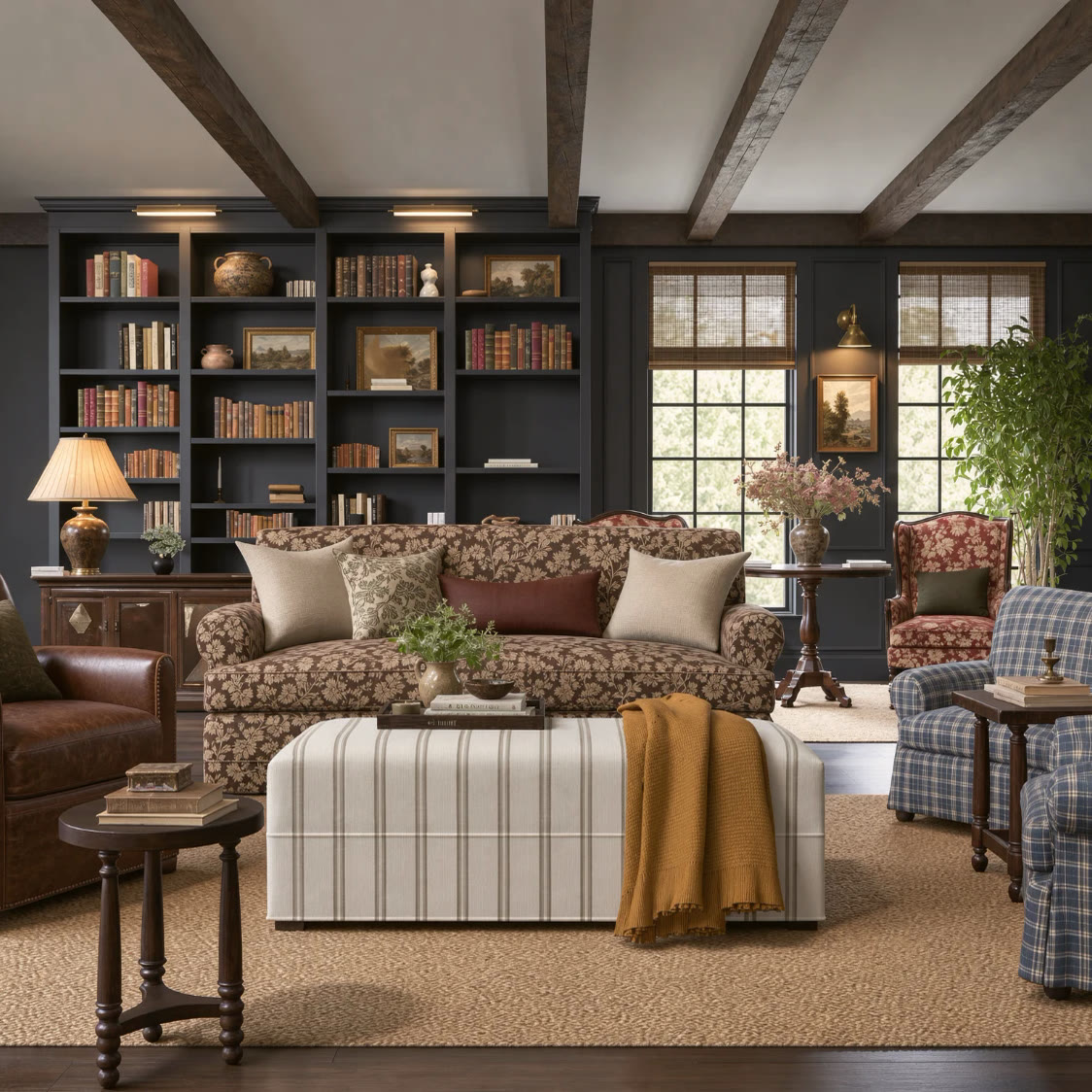
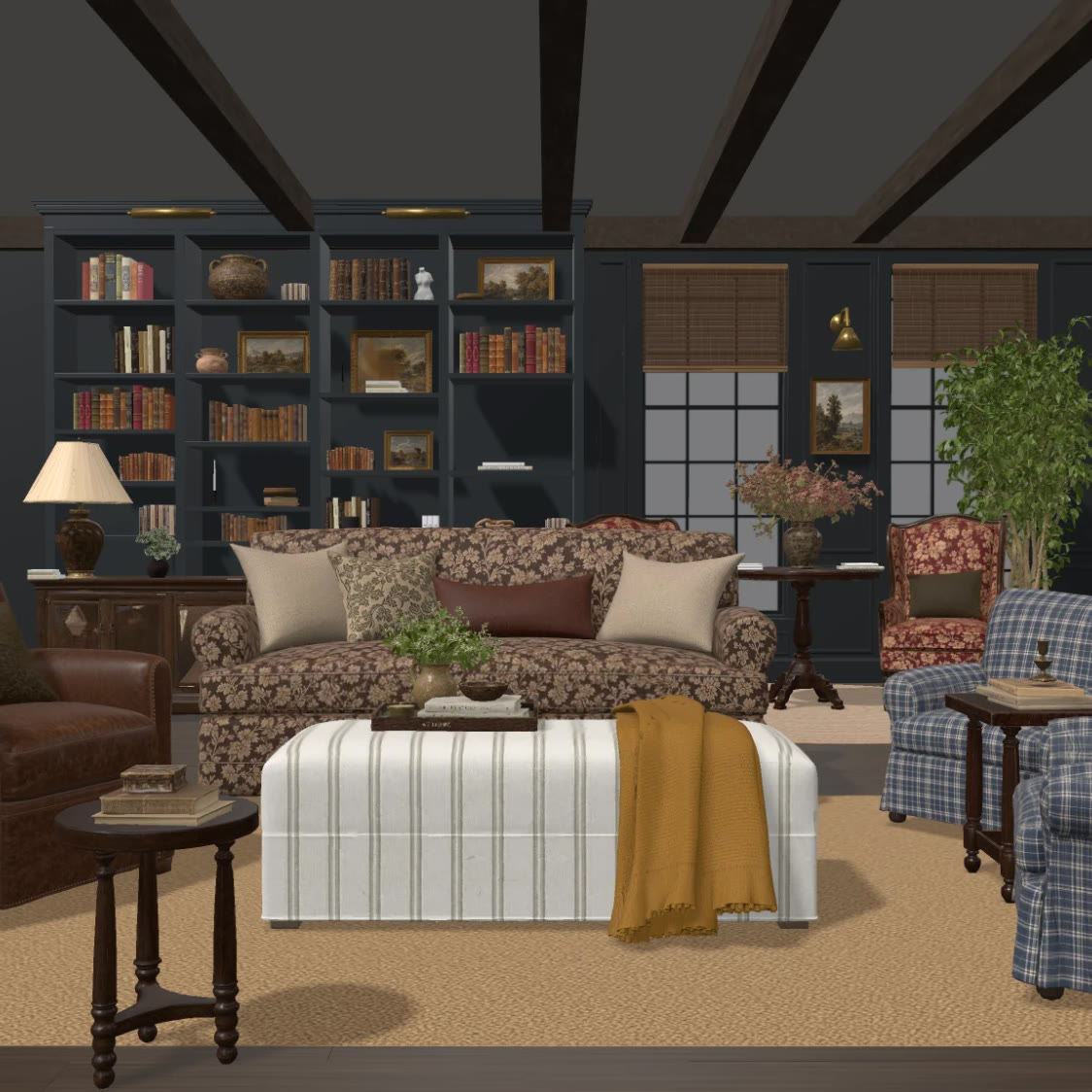
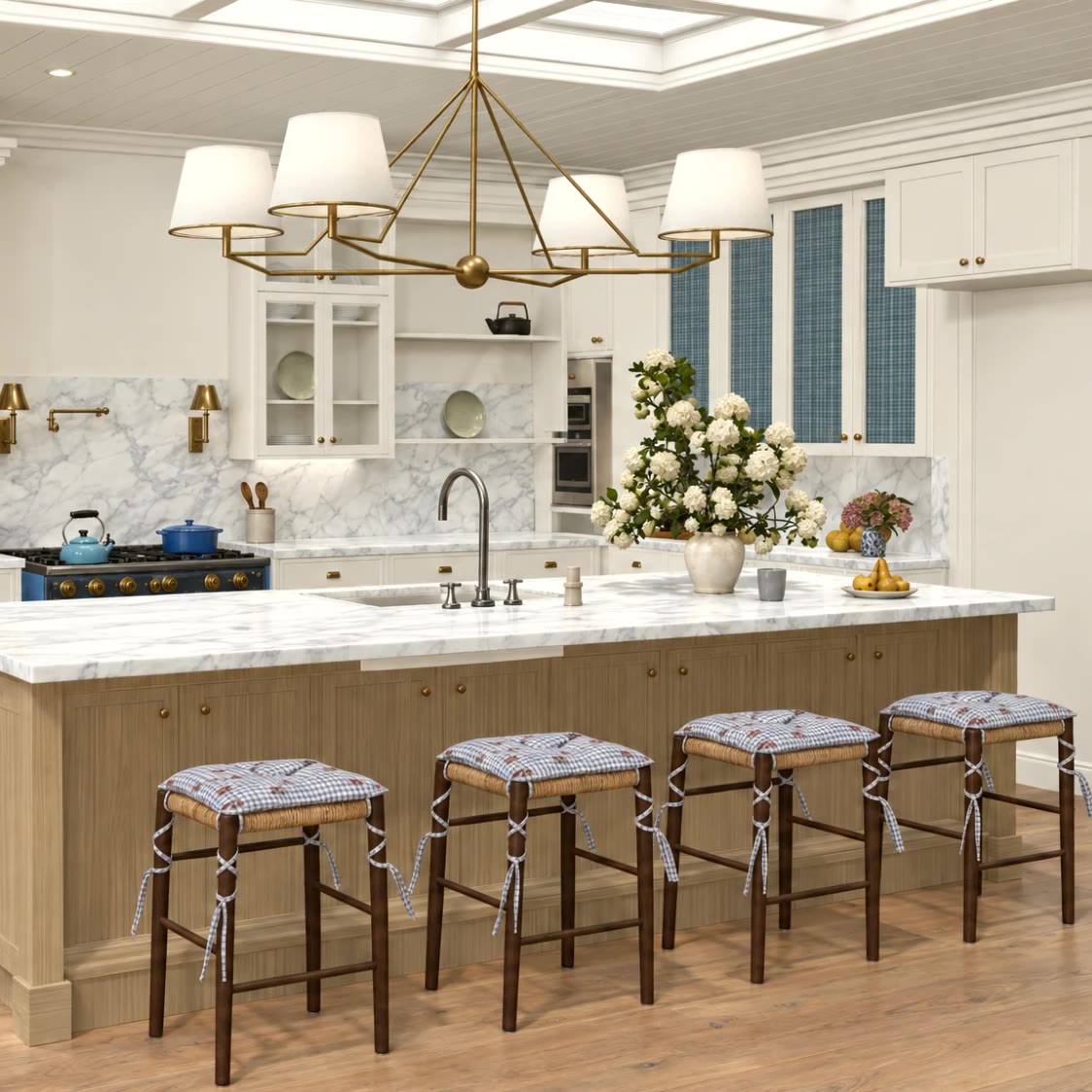
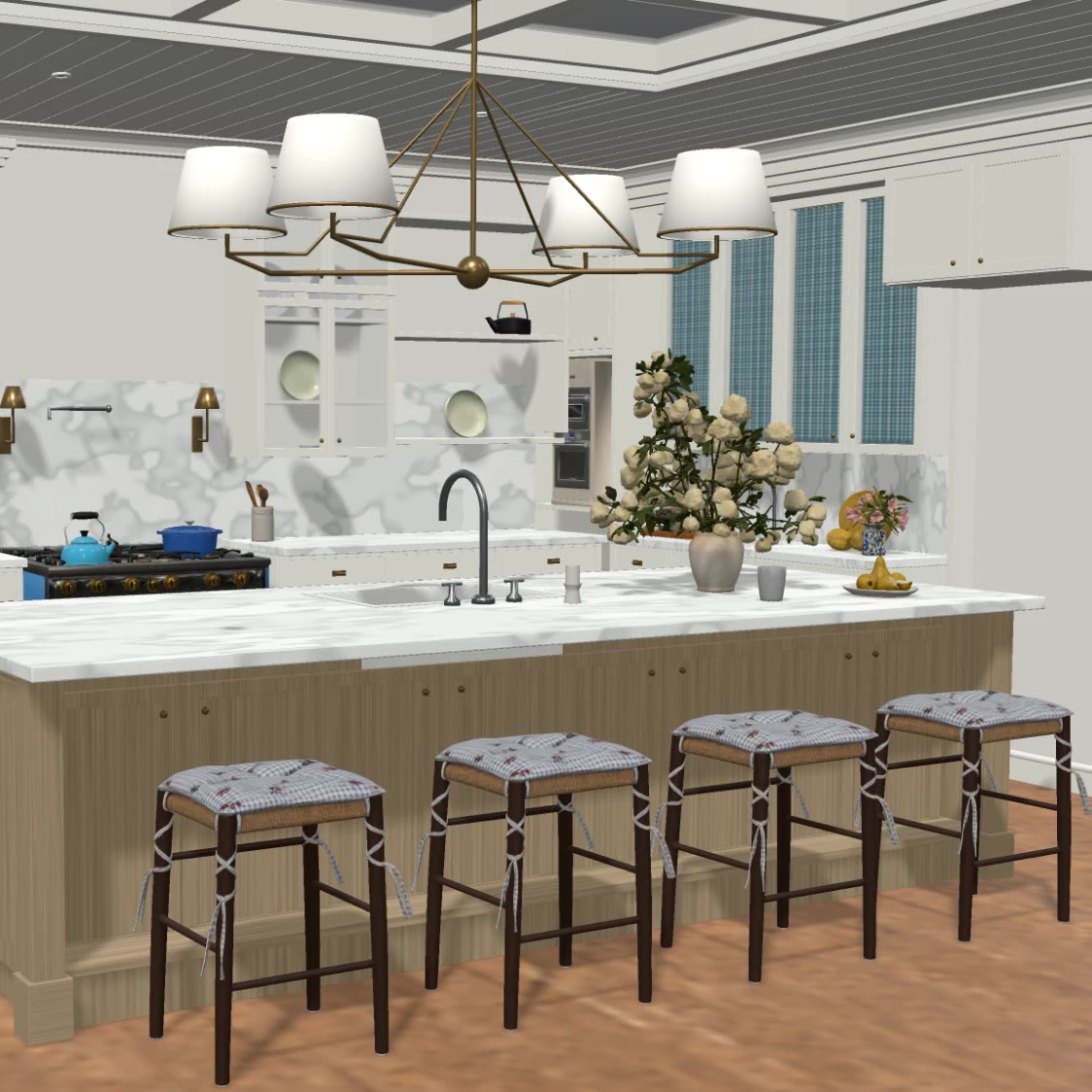
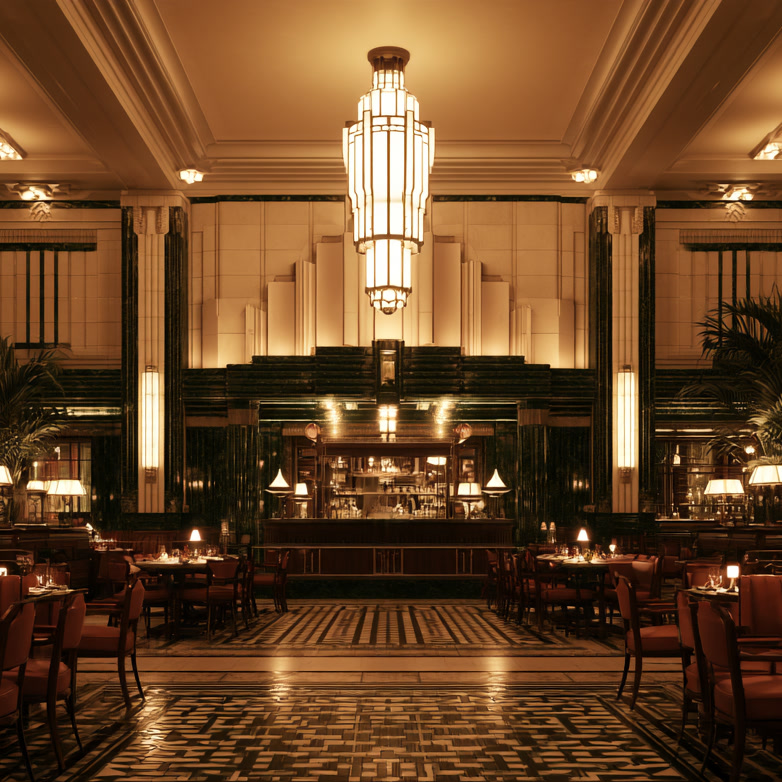
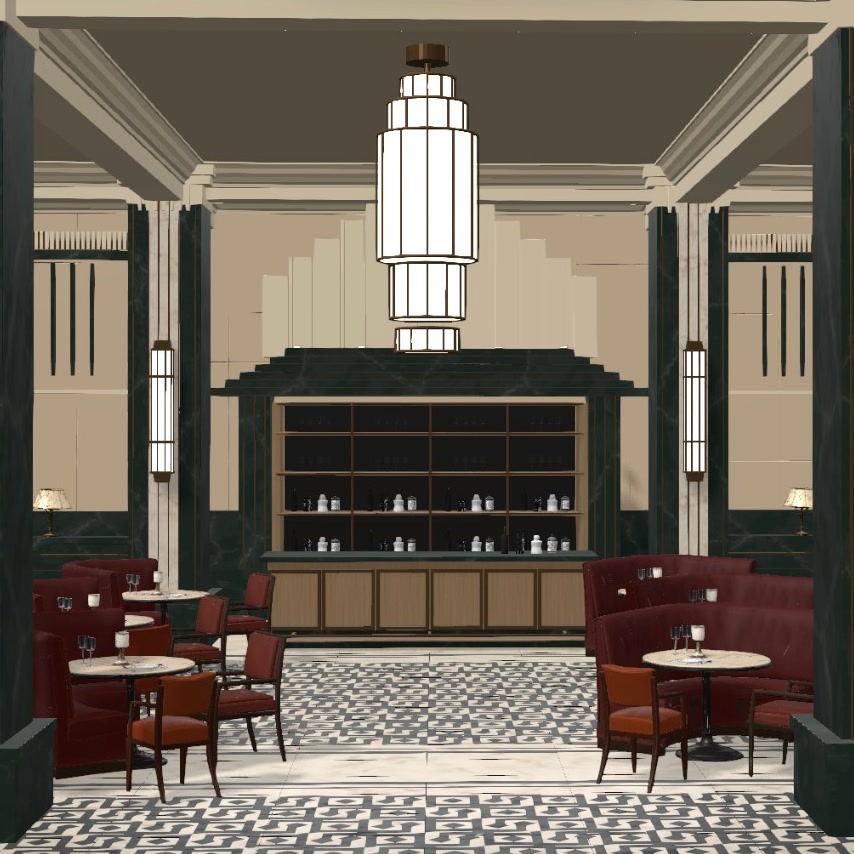
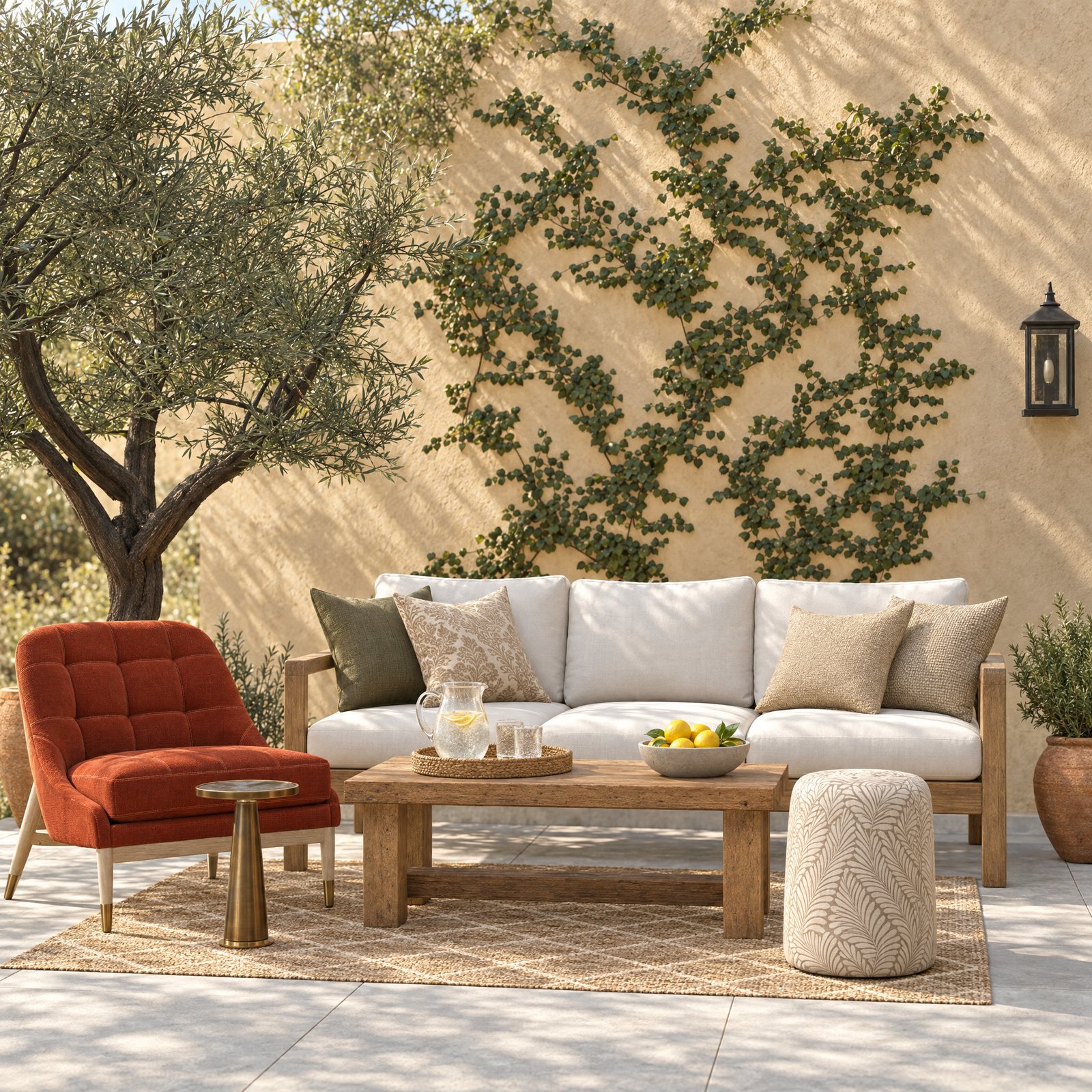
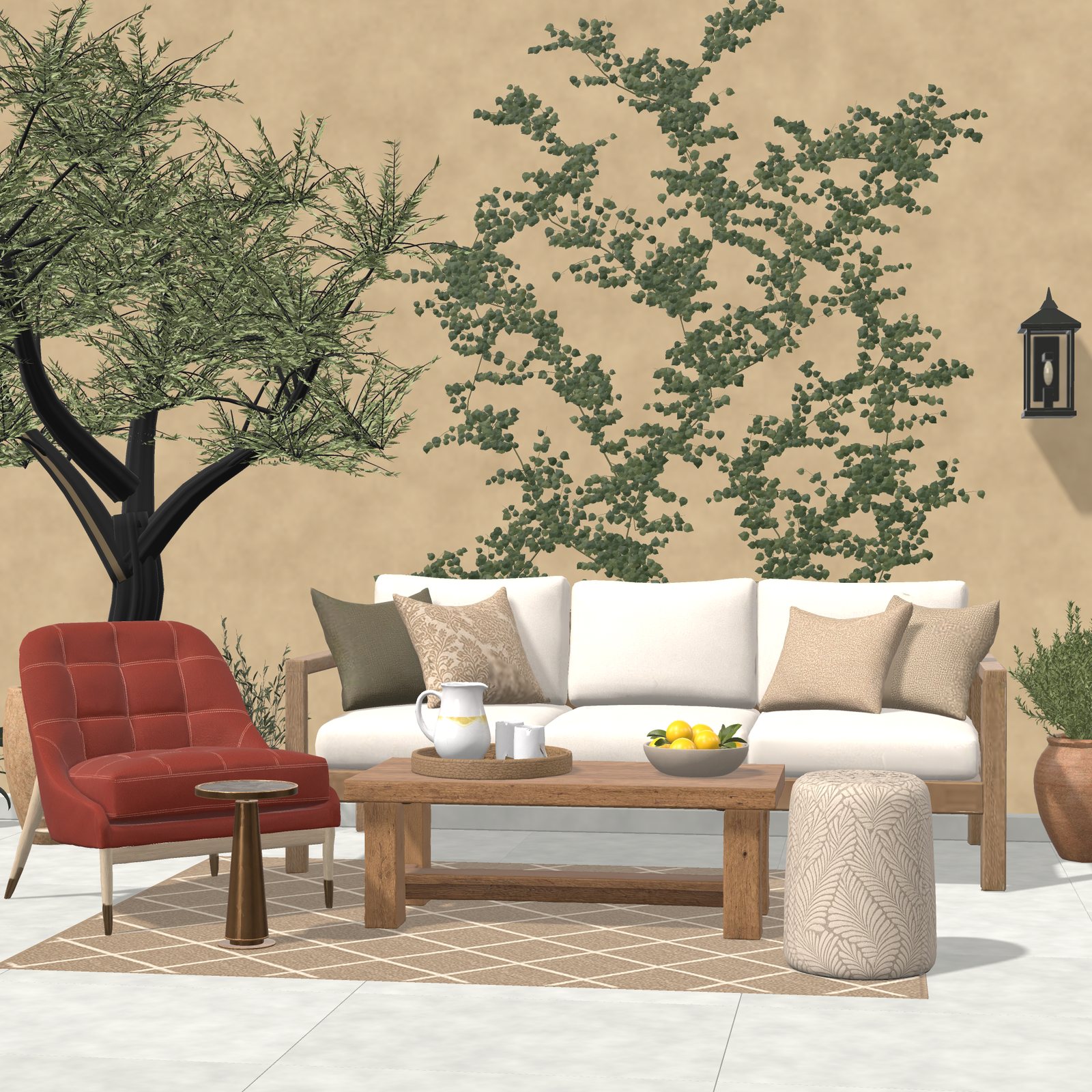
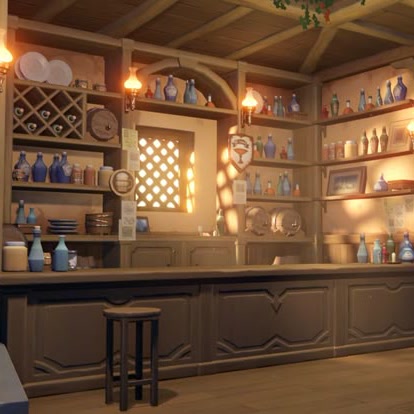
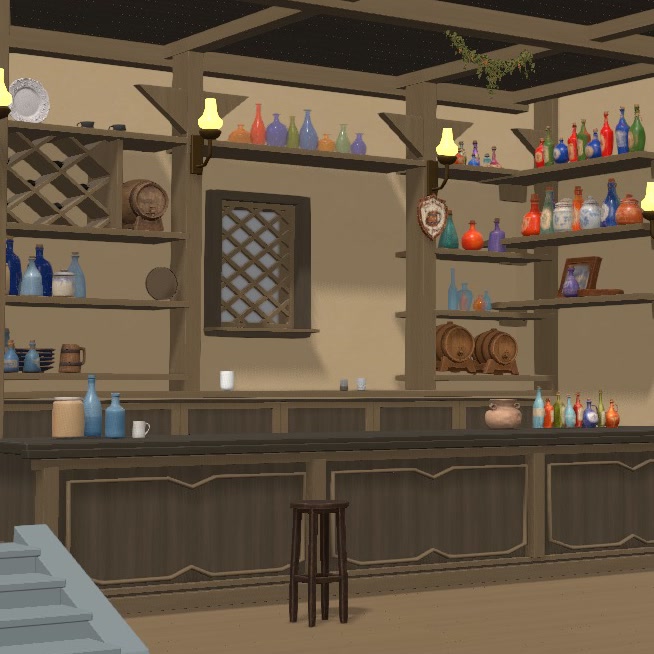
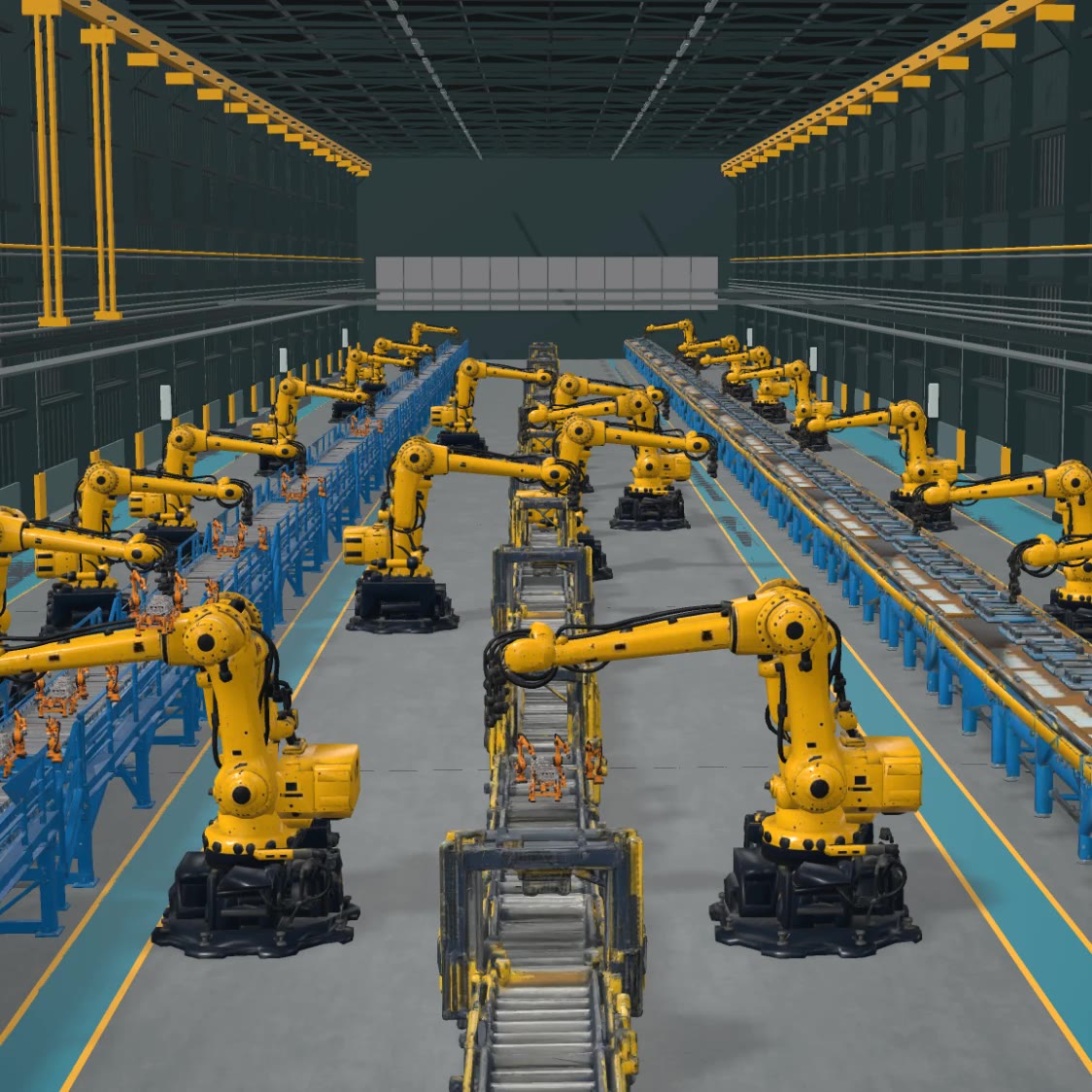
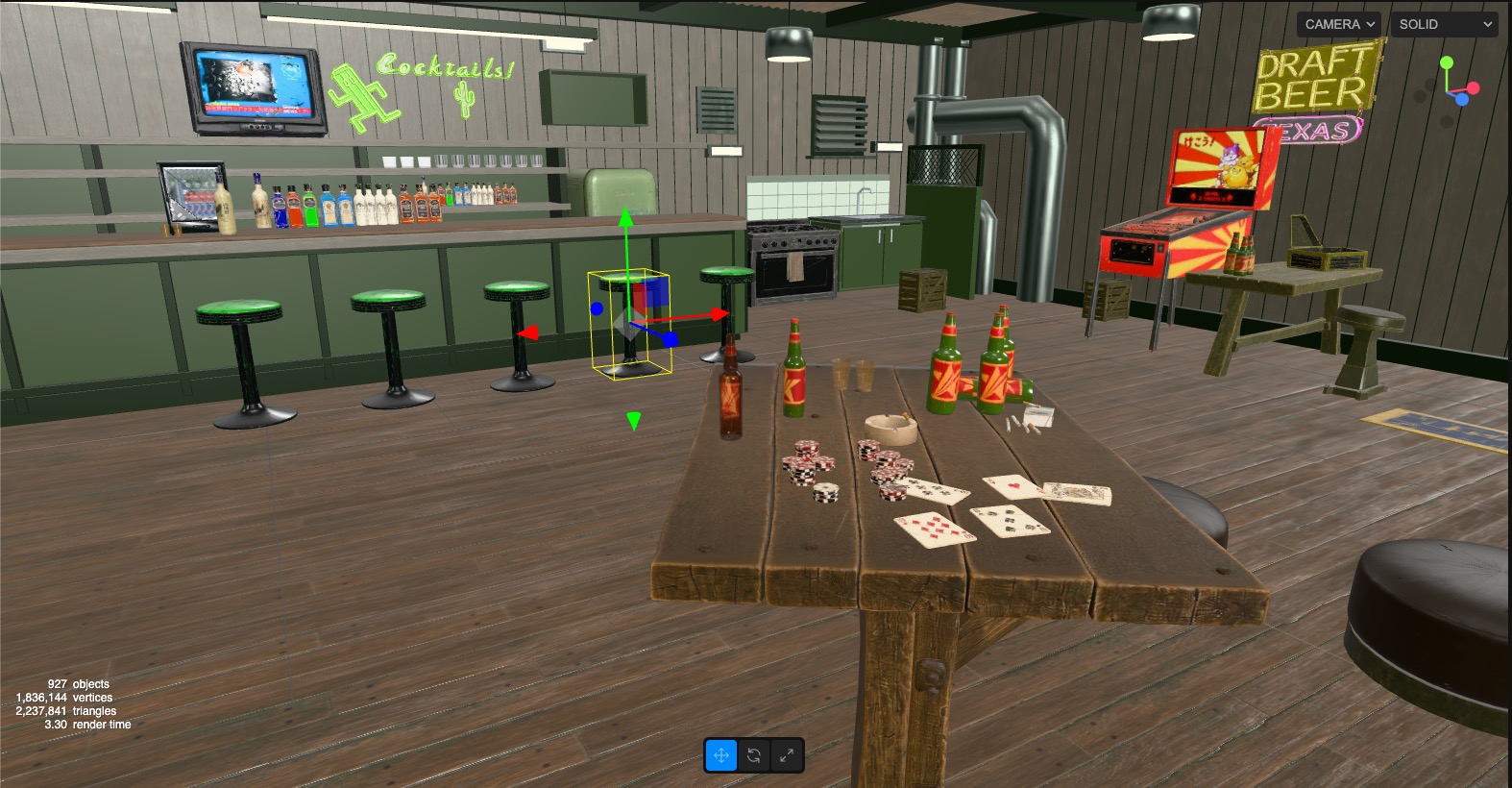
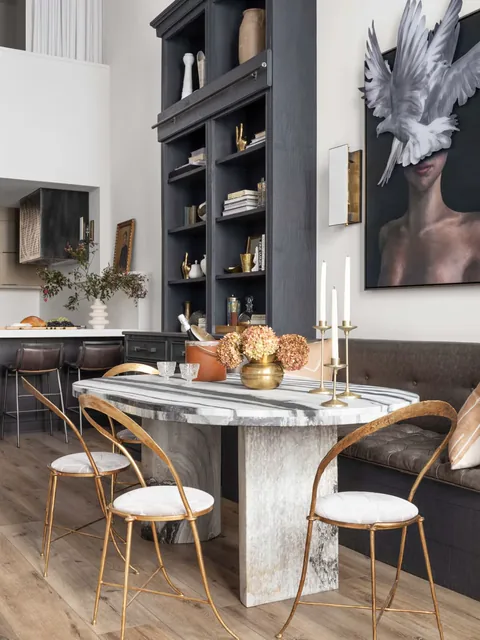
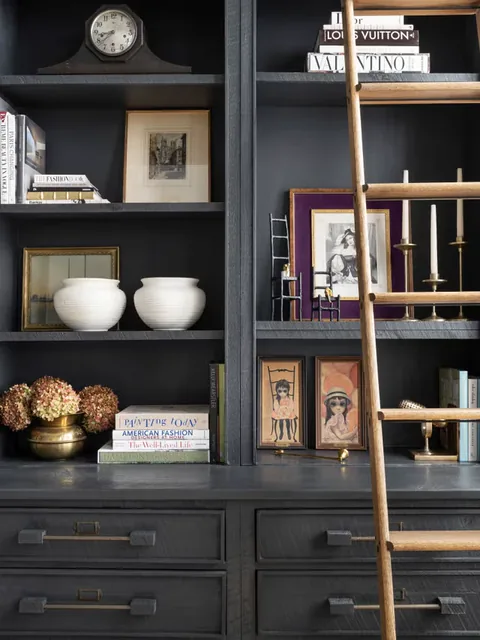
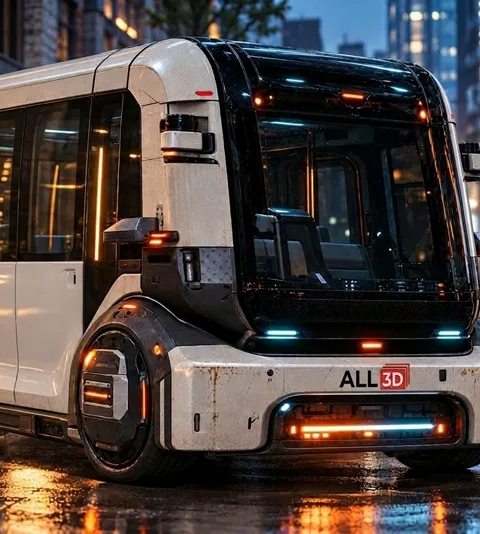
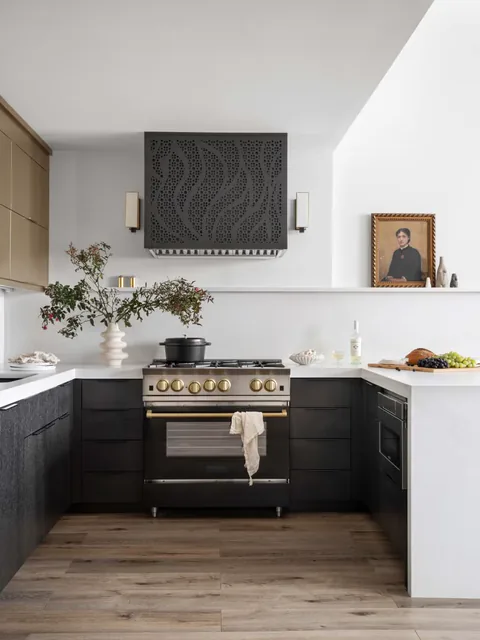
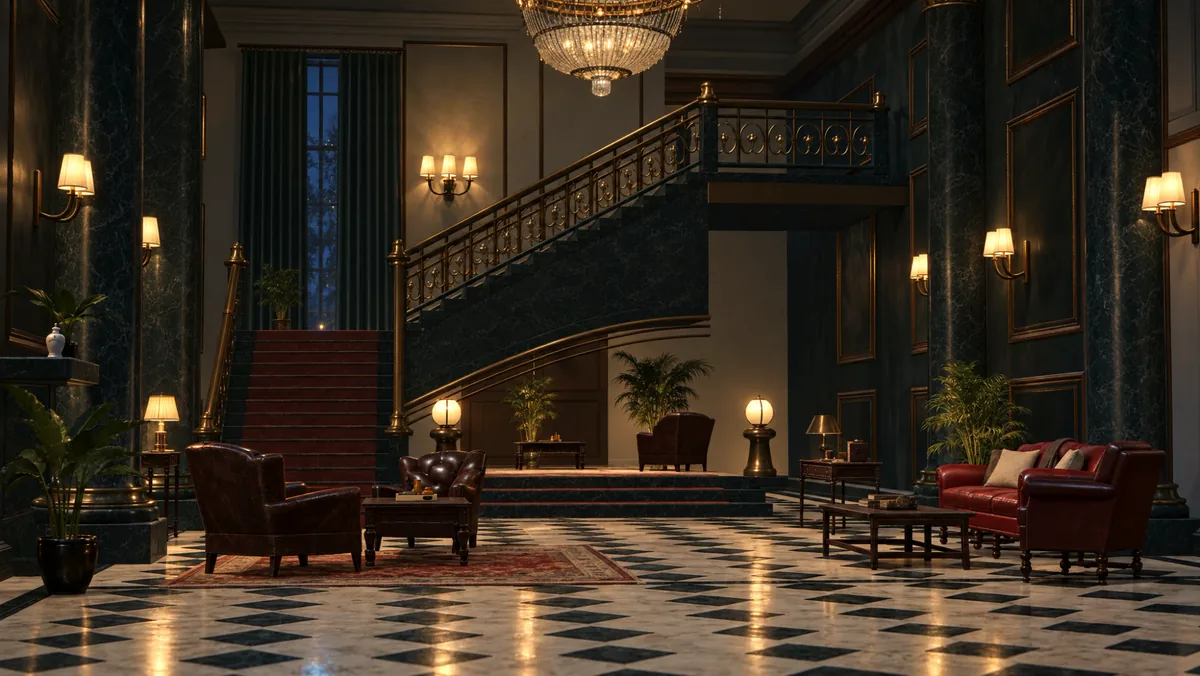
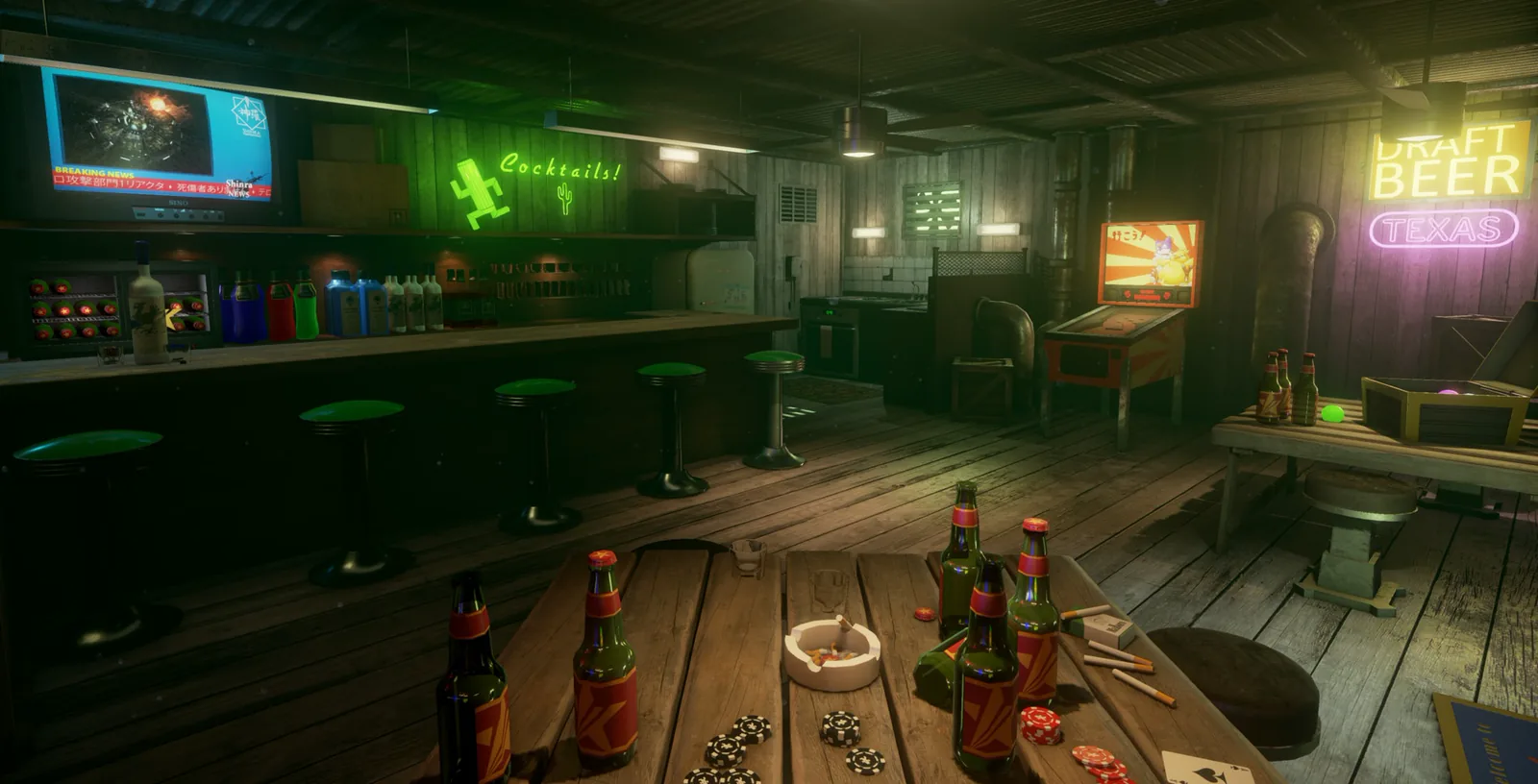
Each world below began as a single uploaded image, rebuilt by SceneSim as a 3D world you can change.
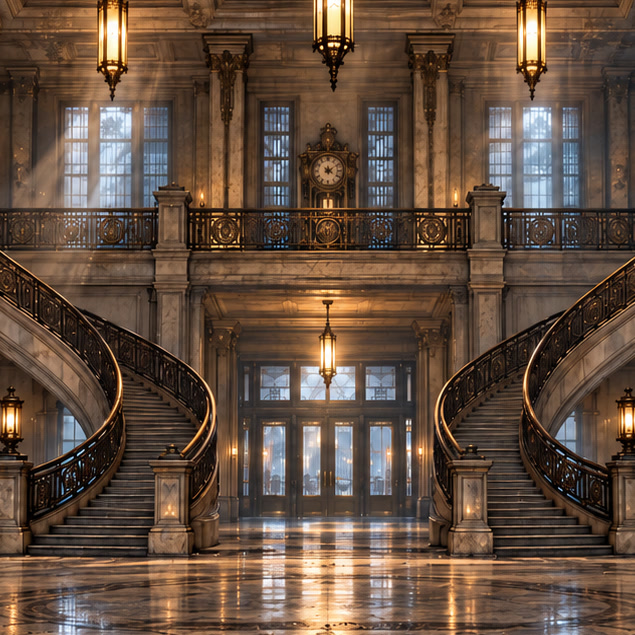
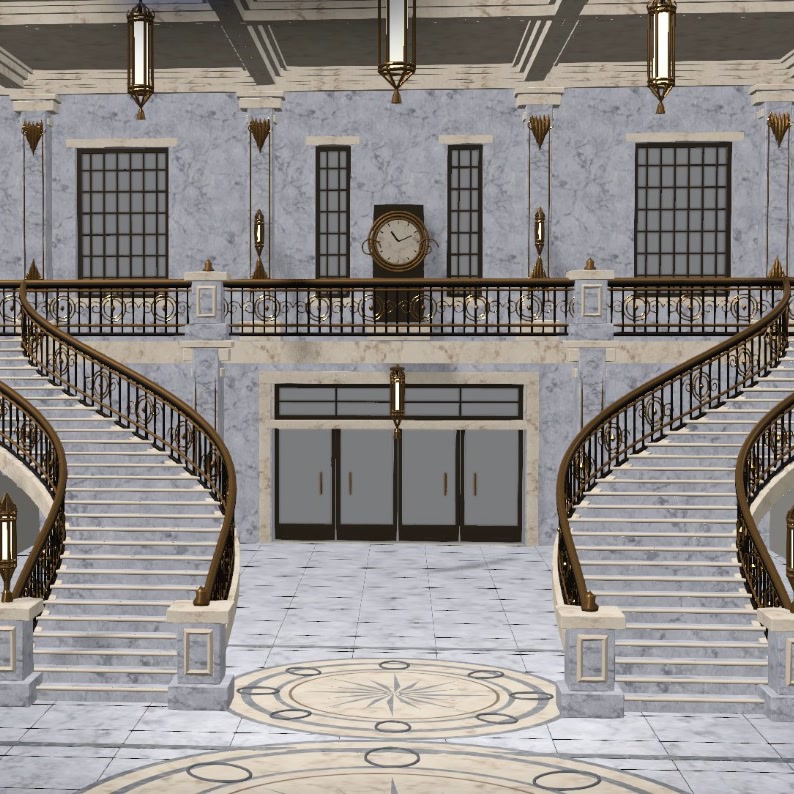
Plan every shot inside a detailed 3D world instead of a rough blockout, and keep control of the set, the lighting and the camera from first pass to final video.
When your world is in 3D, you can:
Change the environment without rebuilding it.
Modify walls, openings, windows, floors, surfaces and dimensions.
Move through the world and create entirely new viewpoints.
Describe the changes you want and let the SceneSim agent modify the world.
Adjust scale, placement, materials and individual 3D assets.
 Image
Use the same 3D environment to create:
Choose any camera position and generate finished visual output.
Move through the environment and create new shots, sequences and camera paths.
Export GLB assets and worlds for continued work in professional 3D pipelines.
Build environments you can enter, change, reuse and export.
Your first world is free.